
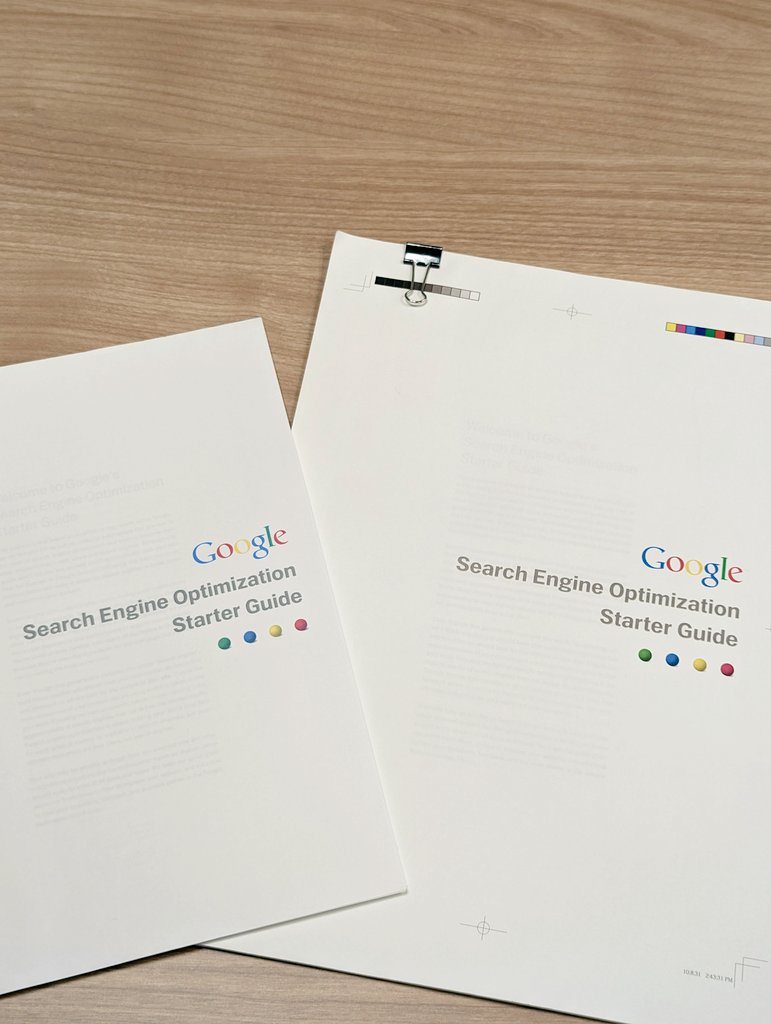
Google SEO Starter Guide: A Practical Introduction
Search engine optimisation (SEO) helps search engines understand your website and helps people find it through search. Google’s SEO Starter Guide is a useful introduction to the basics, whether you manage a small business website, publish articles or are learning how search works.
SEO is not a quick fix or a guarantee of a top position. It is an ongoing process of making your site clear, useful and accessible to both visitors and search engines.
What does SEO involve?
Search engines discover pages, analyse their content and decide whether they may be relevant to a person’s search. SEO can help with this by improving your site’s structure and making its content easier to understand. It can also help visitors find what they need once they arrive.
Good SEO begins with people. Create pages to answer genuine questions or meet real needs, rather than producing content solely to influence rankings.
Help Google discover your pages
Google needs to be able to access a page before it can consider showing it in search results. Make sure important pages are linked from other pages on your site, especially from relevant navigation or category pages. Clear internal links help visitors and search engines find their way around.
A sitemap can provide Google with information about pages on your site, particularly if the site is large or new. However, submitting a sitemap does not guarantee that every page will be crawled or indexed. Check that pages intended for search are not accidentally blocked by your site’s settings.
Create helpful, clear content
Useful content gives visitors enough information to complete a task, understand a subject or make a decision. Aim to write accurately and clearly, and show relevant experience where it helps readers assess the information.
- Write for the people who are likely to use your site.
- Organise information with descriptive headings and logical sections.
- Use words your audience would naturally use, including in prominent page headings.
- Keep content accurate and update it when details change.
- Avoid repeating keywords unnaturally or creating pages with little value.
Write useful page titles and descriptions
A page’s title helps people and search engines understand what the page is about. Give each important page a concise, distinctive title that accurately reflects its content. Avoid vague titles or repeating the same title across many pages.
A meta description can provide a short summary of a page. Google may use it when creating a search result snippet, but it may instead select text from the page that better matches the search. Write descriptions for people: make them specific, informative and relevant.
Make your website easy to navigate
A logical structure helps visitors find information without unnecessary effort. Group related pages together, use clear navigation labels and link between relevant content. Descriptive link text is more helpful than phrases such as “click here”, because it tells readers what to expect.
Consider how the site works on mobile devices as well as desktop computers. Pages should be readable, links and buttons should be usable, and important content should not be difficult to access.
Use images thoughtfully
Images can explain ideas and make a page more engaging. Use relevant, good-quality images and place them near the content they illustrate. Write useful alternative text when an image conveys information; for purely decorative images, avoid adding unnecessary descriptions.
Descriptive file names can also make images easier to manage. Keep image files reasonably sized so they do not needlessly slow down the page.
Consider structured data
Structured data is code that can help search engines understand details on a page, such as a product, an event or a recipe. When implemented correctly, it may make a page eligible for certain enhanced search appearances. Eligibility is not a promise that Google will display those features, and structured data must accurately reflect visible page content.
Measure and improve
SEO takes time. Google Search Console can help website owners monitor how their pages appear in Google Search, identify some technical issues and see which searches bring visitors to the site. Use these insights alongside feedback from real visitors to decide what to improve.
When reviewing performance, look beyond rankings alone. Consider whether visitors are finding the right pages, engaging with the content and completing the actions that matter to your organisation.
Common SEO mistakes to avoid
- Expecting immediate results or guaranteed rankings.
- Publishing large amounts of thin, repetitive or unoriginal content.
- Stuffing pages with keywords in an attempt to manipulate search results.
- Using misleading titles or descriptions that do not match the page.
- Making important pages difficult to reach through internal links.
- Assuming that submitting a sitemap guarantees indexing.
Start with the essentials
The main lesson of Google’s SEO Starter Guide is straightforward: make your site accessible, organise it clearly and publish genuinely useful content. Start with the pages that matter most to your audience, make them easy to understand and review their performance over time. These fundamentals provide a sound basis for a sustainable SEO strategy.
Google SEO Starter Guide: 5 Tips for a User-Friendly, Search-Ready Website
- Create useful, original content for people.
- Use clear, descriptive page titles.
- Organise pages with logical headings and links.
- Write concise, accurate meta descriptions.
- Make your site mobile-friendly and easy to navigate.
Create useful, original content for people.
Create useful, original content that puts people’s needs first. Consider what your readers want to learn or do, then provide clear, accurate information that answers their questions and offers genuine value. Share your own expertise or perspective where it helps, and organise the page so it is easy to read. Avoid copying other sources, padding content to make it longer or repeating keywords unnaturally; the aim is to help visitors, not to manipulate search rankings.
Use clear, descriptive page titles.
Use clear, descriptive page titles to help people and search engines understand what each page is about. Keep every title unique and concise, and make sure it accurately reflects the page’s content. A well-written title can help users decide whether your page is relevant to their search, while vague, repetitive or misleading titles may make it harder for them to find the information they need.
Organise pages with logical headings and links.
Organise each page with clear, descriptive headings so readers can quickly understand its structure and find the information they need. Use headings in a logical order, and link to related pages with concise, meaningful link text that explains where the link leads. This makes your site easier to navigate for visitors and helps search engines understand how your content fits together.
Write concise, accurate meta descriptions.
Write a concise, accurate meta description for each important page to give people a helpful summary of what they’ll find. Keep it relevant to the page, use natural language and highlight its main value without making promises the content cannot fulfil. Google may use your description in search results, but it can also choose a different snippet from the page, so make sure the page itself clearly explains its subject.
Make your site mobile-friendly and easy to navigate.
Make your site easy to use on mobile as well as desktop. Ensure text is comfortable to read, buttons and links are easy to tap, and visitors do not need to scroll or zoom unnecessarily to find key information. Keep navigation clear and consistent, with descriptive labels and a logical structure, so people can quickly understand where they are and find the page they need. A straightforward mobile experience helps visitors use your site and makes its content easier to access.